A day with AIRA
One ordinary day, seven moments.
How AIRA fits into SRM’s working day, from the morning brief to a quiet voice at night. Each moment links to the real abilities behind it, with their honest labels.
The morning brief
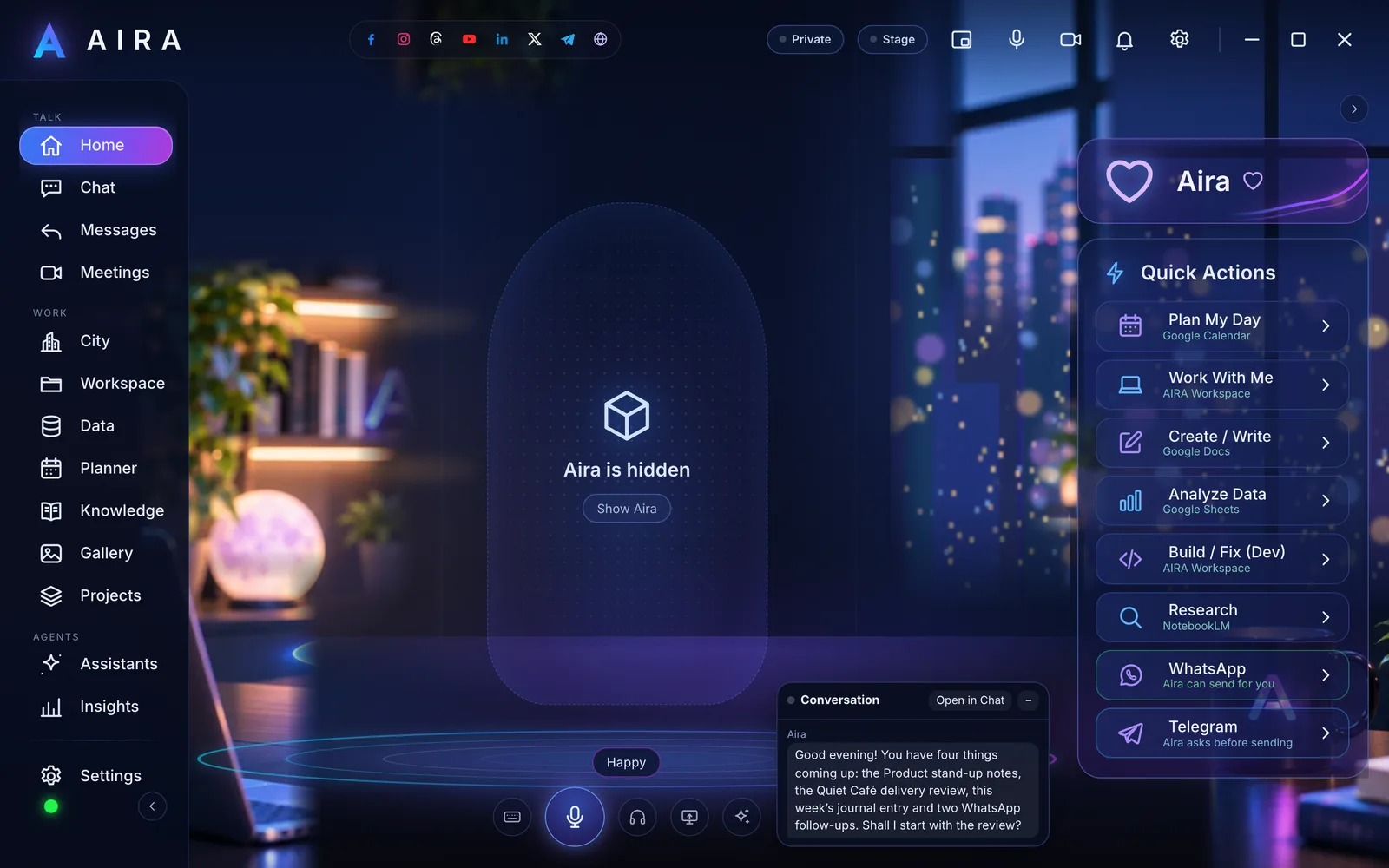
“Morning, SRM. Three meetings, one deadline and rain after four. The brief is on your WhatsApp.”
Before the first coffee, AIRA reads the calendar, the weather and what is due, and sends one short brief. She checks in by voice too, if you want her to.
- Morning briefing and meeting heads-upA WhatsApp briefing at 08:00 and a heads-up before each meeting.Beta
- Weather in the briefingToday’s forecast in your morning briefing and spoken check-in.Built
- Daily spoken check-inA morning greeting with today’s plan and something she remembers about you.Built
- Google CalendarLists, creates, moves and cancels events by voice or chat.Built
Messages and drafts
“Overnight there were forty messages. Four need you, and I have drafted replies to three. Nothing goes until you say so.”
WhatsApp and Telegram in one place, with replies drafted in your tone and held for your approval, and a list of who is waiting on you.
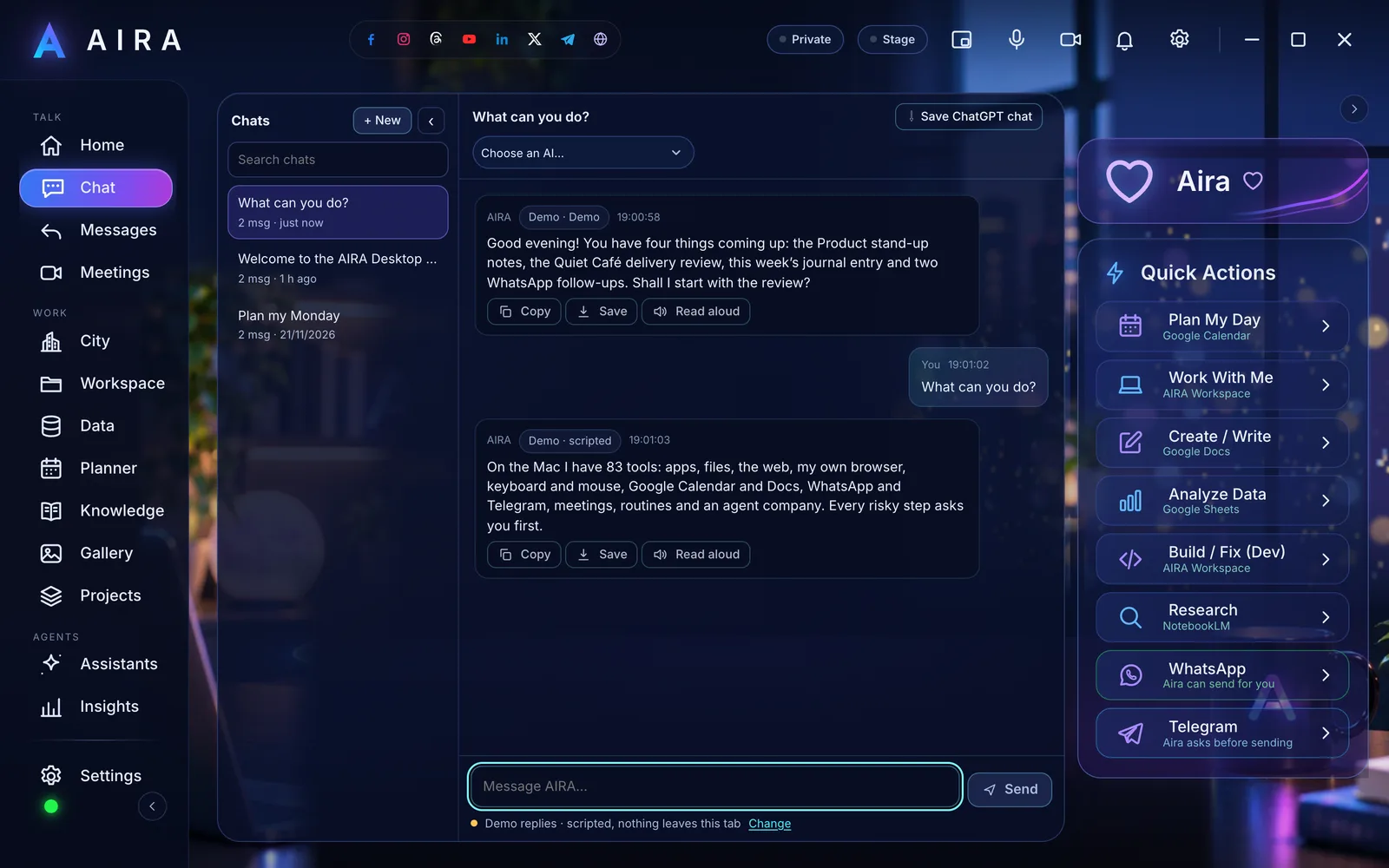
- Messages with draftsThe last day of WhatsApp and Telegram in one place, with replies drafted and held for your approval.Built
- Who’s waiting on meA ranked list of everyone waiting for an answer across chats, mail and promises, with one-tap draft replies.Beta
- Rewrite in five tonesFriendly, professional, short, warm or firm, in one tap.Built
- Group chat summariesWhat happened in busy groups while you were away.Beta
Meeting notes and the decision log
“I took the notes. Two decisions, three actions, and one thing the design team is waiting on from you. It is all in the decision log.”
In a call, AIRA listens, takes notes and keeps a log of what was decided and what was promised, so nothing depends on memory.

AIRA listening - Meeting copilotIn Zoom and Google Meet: a local transcript, a summary, decisions, and actions sent to your planner and WhatsApp.Beta
- Decision logEvery decision recorded with who decided and why.Built
- Waiting-for listTracks what you’re waiting on from others.Beta
- Keeps your promisesSpots promises in conversations and nudges you at 18:00 about the ones still open.Built
The Office runs a job across floors
“Research, writing and review are on it, across three floors. Here is the plan and what it costs. It starts when you approve.”
Bigger work goes to SRM Infinity, AIRA’s company of agents. Every job is a proposal with a team and a cost, runs only after approval, and can be replayed step by step.
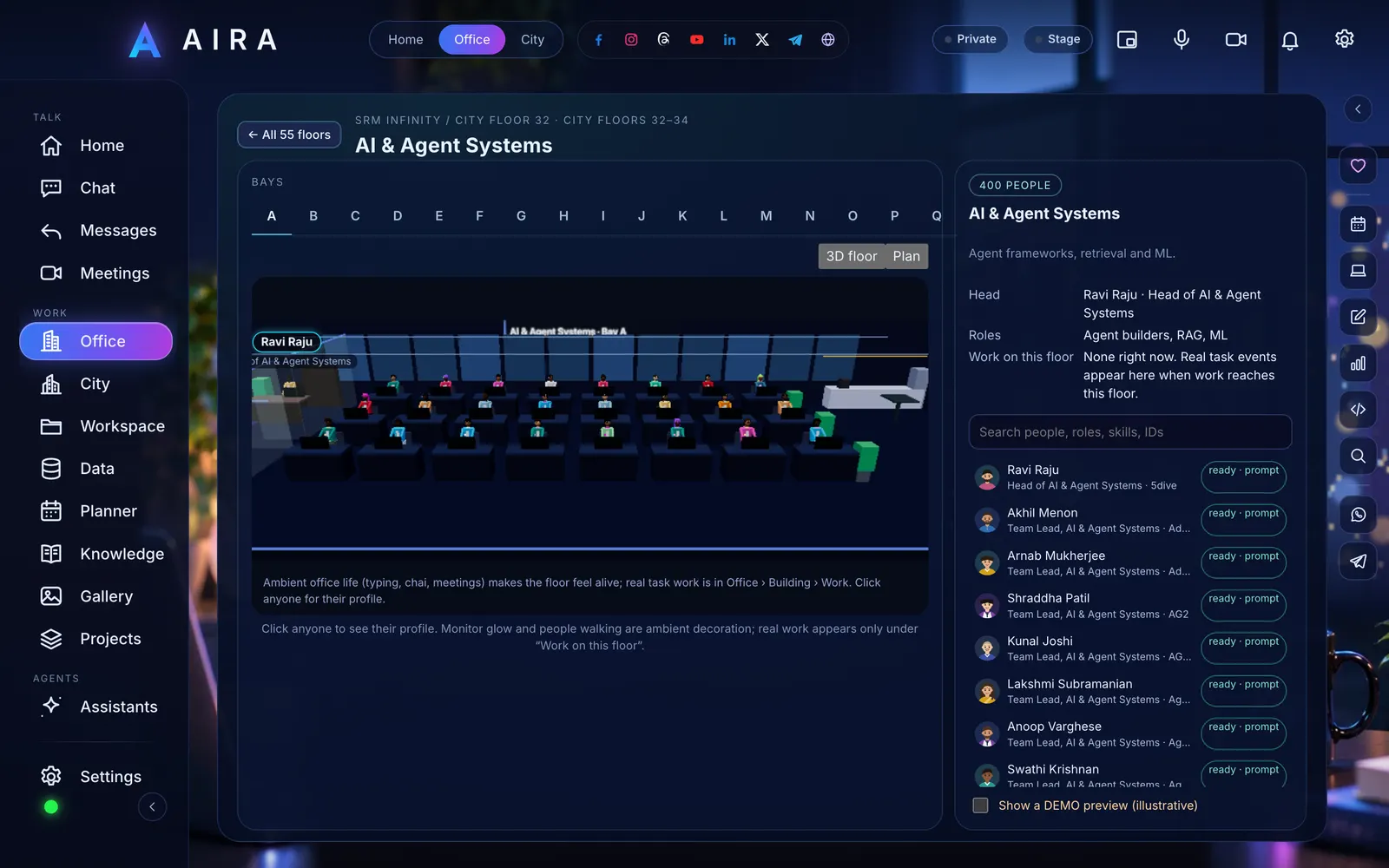
The Virtual Office · a floor at work - A company I coordinateSRM Infinity: 20 departments on 55 floors, leadership seats, heads and teams, where I brief, propose and report.Beta
- Proposals you approveEvery job becomes a proposal with a team and a cost estimate, and runs only after you approve.Built
- Scheduled agent jobsAgents that run every day or week on their own.Built
- Run replaysReplay any run step by step to see what happened.Built
Deadline radar and a tidy Mac
“The proposal is due tomorrow at ten. Meanwhile I sorted Downloads and your screenshots. Anything I moved can be undone.”
In the afternoon AIRA looks ahead for what is due, and tidies the Mac in the background: Downloads, screenshots, battery and storage, all with undo.
The end-of-day wrap-up
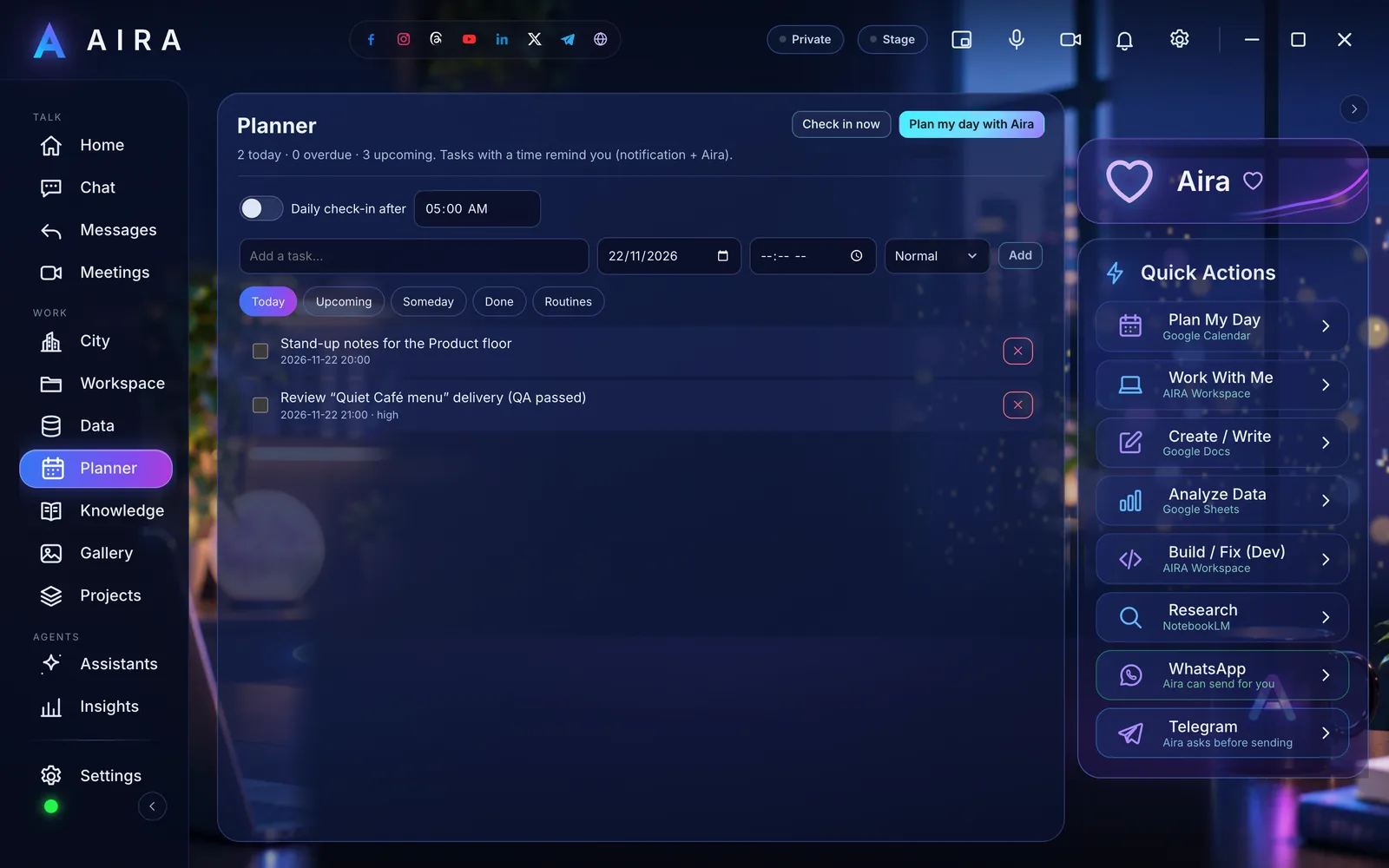
“Today: six things done, two moved to tomorrow, one follow-up I will remind you about. That is enough for one day.”
At the end of the day AIRA closes the loop: what got done, what moves to tomorrow, and the follow-ups worth remembering.

AIRA City at dusk Whisper mode
“It is late, so I will keep my voice down. And if you share your screen, the private parts stay hidden.”
After dark AIRA speaks softly, and anything private blurs or hides itself from screen capture.

AIRA
The lines are written the way AIRA speaks; the day is a typical one, not a recording. See every capability, or try AIRA Desktop in your browser.